

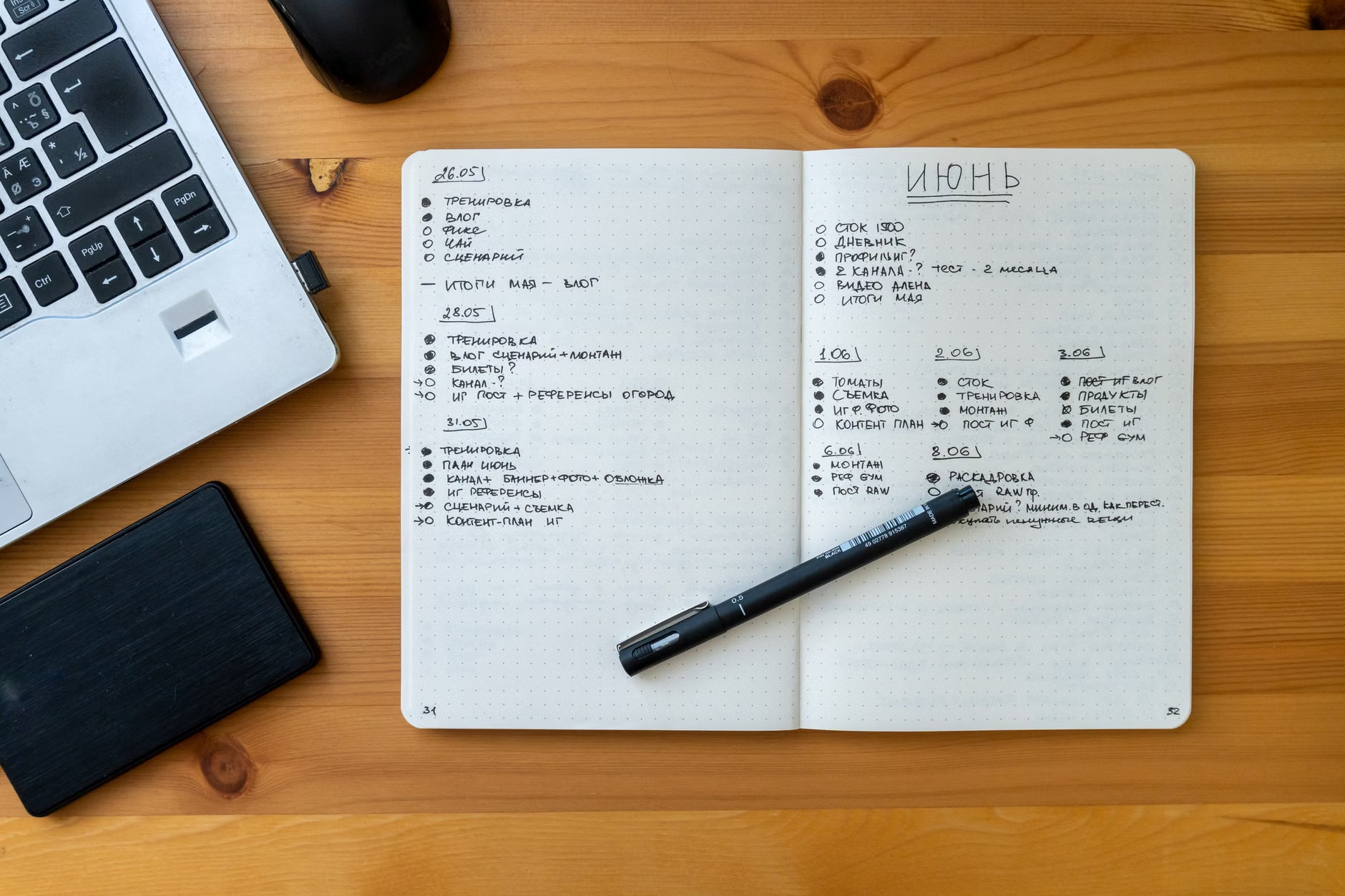
When everything feels important, the usual advice to “just prioritize” is not very helpful. The real problem is that different kinds of work get mixed together: deadlines, requests from other people, long-term projects, small admin tasks, and the nagging items that create guilt even when they are not especially important.
A better approach is to stop asking which task matters in the abstract and start asking what happens if a task does not get done soon. That shift turns a stressful pile into a workable plan. You do not need a perfect system. You need a short list for today, a place for everything else, and a clear reason each item made the cut.
First, separate urgency, consequence, and noise

Many overloaded task lists fail because they treat all pressure as the same. It is not. Some tasks are urgent because they have a deadline today. Some are important because they affect a larger outcome, such as a proposal, presentation, or hiring decision. Others are simply noisy: unread messages, follow-ups, and minor requests that feel active but do not change much if they wait until tomorrow.
Before planning the day, do one fast triage pass. Do not estimate exact durations or reorganize your whole life. Just sort the pile well enough to see it clearly.
- Write every open task in one place, including work that is currently sitting in email, chat, sticky notes, and your head.
- Mark anything with a real deadline or commitment in the next 48 hours.
- Mark anything with meaningful consequences if delayed, even if there is no formal deadline yet.
- Move routine, low-impact, or vague items out of the main decision area. They still matter, but they should not compete equally with time-sensitive or high-impact work.
That last step matters more than it seems. A task like “reply to all nonurgent emails” can easily crowd out the harder work that actually needs attention. It feels responsible, but it often functions as avoidance.
Build three lists, not one giant priority list
Once the triage pass is done, split tasks into three buckets: today, next, and later. This is simpler than ranking 15 items from most to least important, which usually creates false precision and constant reshuffling.
- Today: the small number of tasks that truly need attention before the day ends.
- Next: tasks that matter soon but do not need to be touched immediately.
- Later: everything else that has been captured and can stop asking for attention right now.
The Today list should be short enough to survive interruptions. For most people, that means one major task and one to three smaller commitments, not 10 “top priorities.” If several items are genuinely critical, distinguish between the one that requires focused thinking and the ones that can be finished quickly to remove risk or unblock someone else.
A simple rule helps here: if a task can wait without causing a missed deadline, a broken commitment, or a meaningful slowdown on important work, it probably does not belong on Today.
Do not use the Today list as a wish list. Use it as a commitment list.
Choose the first task by consequence, not by mood
When everything on the Today list still feels important, pick the first task by asking two questions: What creates the biggest downside if it slips, and what requires your best attention? That usually points to the work that is both consequential and mentally demanding.

For example, imagine a day with these four tasks: finish slides for a meeting this afternoon, respond to six nonurgent emails, schedule a routine appointment, and outline next month’s budget. The slides are urgent and consequential, so they belong first. The appointment and a couple of quick responses might fit into a short administrative block later. The budget outline may be more important than email in a broader sense, but if it does not need to happen today, it should sit on the Next list rather than compete with the meeting deadline.
This is also where many people make a costly mistake: they choose tasks by emotional relief instead of operational importance. Crossing off three easy items can feel productive, but it does not help much if the hardest, highest-consequence task keeps sliding into tomorrow.
Replan daily, but protect time for work that never becomes urgent
A daily reset is usually enough. At the start or end of each day, review the three lists, move items based on new deadlines, and rebuild tomorrow from current reality rather than from yesterday’s hopes. This keeps the system light. If planning takes longer than a few minutes, the plan may be turning into its own form of procrastination.
There is one important nuance, though. If every day is driven only by urgent tasks, long-term work keeps losing. Strategy, writing, career development, relationship maintenance, and preventive admin often get postponed because they rarely shout the loudest. If that pattern is familiar, reserve even a small protected block each week for work that matters but is not yet on fire. Otherwise, the urgent list keeps regenerating.
The goal is not to feel that every task has been fully controlled. The goal is to know what deserves attention now, what has been consciously deferred, and why. That clarity reduces stress because the rest of the list stops pretending to be today’s emergency.
When everything feels important, the answer is usually not more effort. It is better sorting. A short triage pass, a realistic Today list, and a habit of choosing by consequence can turn a crowded workload into a plan that actually holds up.