

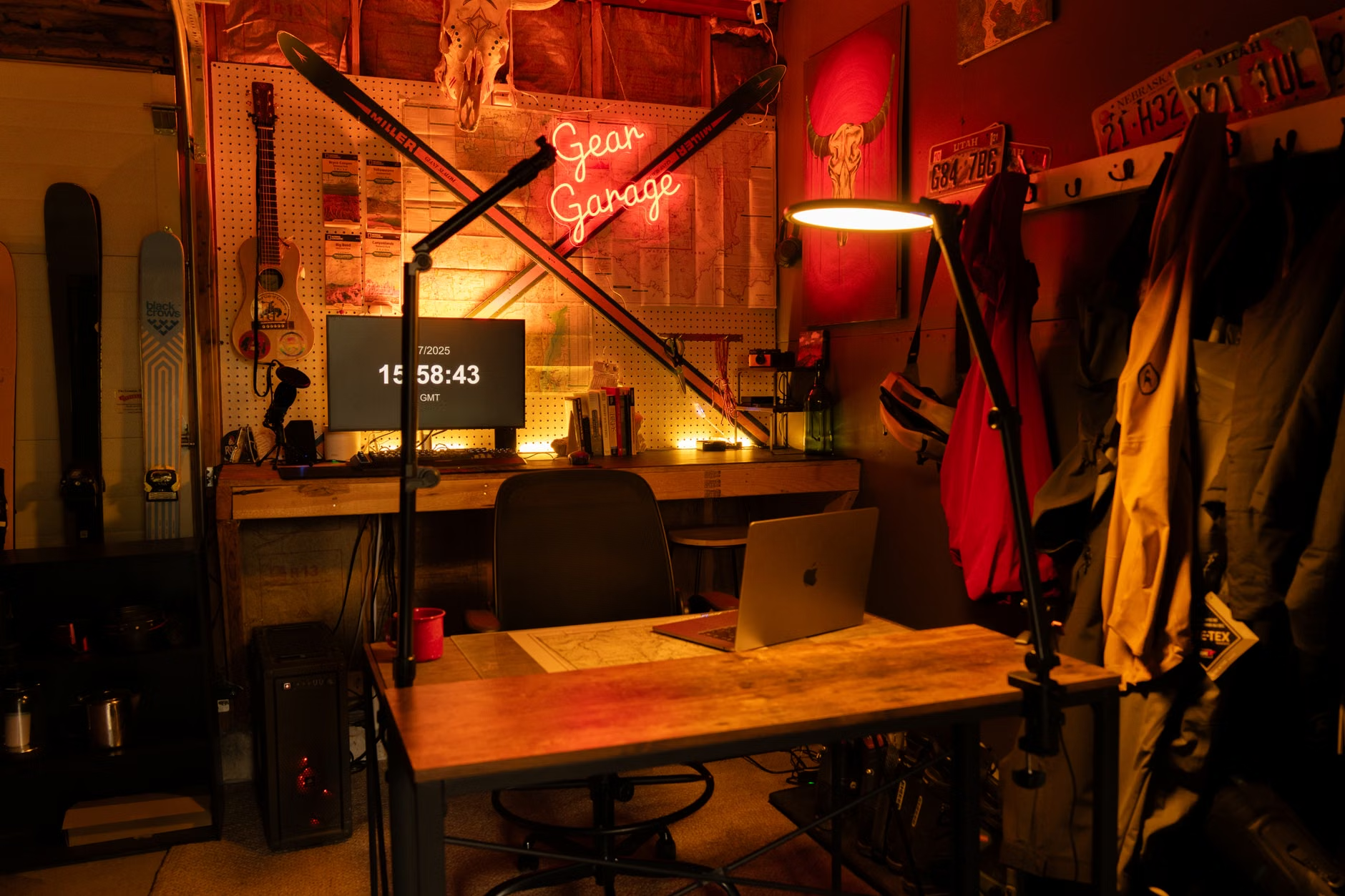
A distraction-free workspace is not the same as a bare desk with nice accessories. It is a setup that removes repeated interruptions, reduces visual noise, and makes the next useful action easy. Official ergonomics guidance matters here too: glare, awkward posture, and poorly placed equipment can become distractions of their own, even when the desk looks tidy. Research on interrupted work suggests that the real cost of distraction is not just lost time, but the added stress and effort of getting back on task. (osha.gov)
Find the real distractions before you try to organize the room
The cheapest mistake is also one of the most common: buying storage, lamps, or accessories before figuring out what is actually breaking your concentration. For one or two work sessions, keep a sheet of paper beside the keyboard and make a quick mark whenever your attention shifts. Note what pulled your focus, where it came from, and what would have prevented it. This works better than guessing because many “clutter” problems are really interruption problems in disguise. A messy desk may not be the issue if the real pattern is phone checking, hallway movement, or constantly searching for a charger. Interrupted work often changes how people work, not just how long it takes. (ics.uci.edu)
- Mark every break in attention during a single work block, even small ones.
- Write the trigger in a few words: phone, glare, noise, open tabs, missing supplies, uncomfortable chair, people walking past, and so on.
- At the end, circle the top three interruptions that happened more than once or felt hardest to recover from.
That short audit gives the project some discipline. Instead of “improving the office,” the job becomes much simpler: stop the three things that keep happening. That is how a no-budget workspace can improve faster than an expensive one. (ics.uci.edu)
Make focus the default setting at the desk
Once the biggest distractions are clear, arrange the workspace so the current task is the easiest thing to look at and reach. Keep only the tools for the task in front of you: computer, notebook, water, and maybe one reference item. Everything else should either be stored out of sight or placed just outside the main visual field. A basket, drawer, lidded box, or nearby shelf is often enough. The point is not extreme minimalism. The point is to lower the number of small decisions your eyes and hands keep making. (osha.gov)
- If possible, face a neutral wall or a calmer part of the room instead of open foot traffic.
- Keep frequently used items within easy reach so focus is not broken by constant twisting, stretching, or searching.
- Move the phone off the desk or behind you unless it is genuinely required for work.
- Separate communication from production when possible: one window for messaging, one for the actual task.
Do not confuse a cleaner-looking desk with a better setup. If a “minimal” arrangement forces laptop hunching, screen glare, or awkward reaching, it will usually hurt focus over time. OSHA and NIOSH guidance both emphasize fitting the workstation to the worker, not forcing one rigid ideal layout. (osha.gov)
Sound deserves the same practical thinking. Total silence is not required, and for some people it is not even preferable. What tends to be more disruptive is unpredictable speech, notifications, or sudden environmental noise. If the room cannot be controlled, a soft rug, curtains, a closed door, simple headphones, or steady background audio can be more useful than another desk organizer. Lighting matters too: if window glare keeps making you shift position or squint, move the desk or change the lamp before buying anything decorative. (osha.gov)
Spend money only when it removes a recurring interruption
A good budget rule is simple: do the free fixes first, then buy only the item that solves a problem you can name. That keeps the workspace from turning into a shopping list. A second monitor, premium chair, or elaborate shelving system might help, but only if it addresses the friction that keeps interrupting work. (osha.gov)

- No-cost fixes: rotate the desk away from distractions, clear the surface at the end of the day, unplug nonessential devices, move the phone out of reach, and use one container for non-work clutter.
- Low-cost fixes: add a basic task lamp, simple cable ties, a notebook for capture, earplugs or headphones, a document stand, or a small drawer unit if loose items keep spreading.
- Worthwhile upgrades when needed: an external keyboard and mouse for laptop work, a monitor riser, a room divider, or a more supportive chair if discomfort is part of the distraction.
A simple hypothetical example makes the tradeoff clearer. If the real problem is household traffic constantly passing through your sightline, turning the desk, adding a cheap screen, or claiming a corner of the room may help more than buying better storage. If the problem is papers and chargers taking over the work surface, one tray and one cable solution may do more for focus than a full furniture upgrade.
Protect the setup with a few repeatable rules
Even a well-set desk drifts back into chaos if everything is decided in the moment. Small rules are what keep the workspace usable. The most effective ones remove choice during focus time and make restarting easier the next day. That matters because interrupted work tends to raise stress and effort even when people appear to keep moving. (ics.uci.edu)
- End the day with a two- or three-minute reset: clear the desk, plug in devices, and write the first task for tomorrow.
- Keep only the active project on the desk surface.
- Check messages at planned intervals instead of leaving every alert on.
- Use one capture note for errands or random thoughts so they do not become immediate side quests.
The most useful distraction-free workspace is rarely the most expensive or the most photogenic. It is the one that removes the interruptions that actually happen in real life, supports comfortable work, and is simple enough to maintain on an ordinary day.
References
- OSHA eTools: Computer Workstations – https://www.osha.gov/etools/computer-workstations
- OSHA eTools: Computer Workstations – Workstation Environment – https://www.osha.gov/etools/computer-workstations/workstation-environment
- CDC NIOSH: About Ergonomics and Work-Related Musculoskeletal Disorders – https://www.cdc.gov/niosh/ergonomics/about/index.html
- University of California, Irvine: The Cost of Interrupted Work: More Speed and Stress – https://www.ics.uci.edu/~gmark/chi08-mark.pdf