

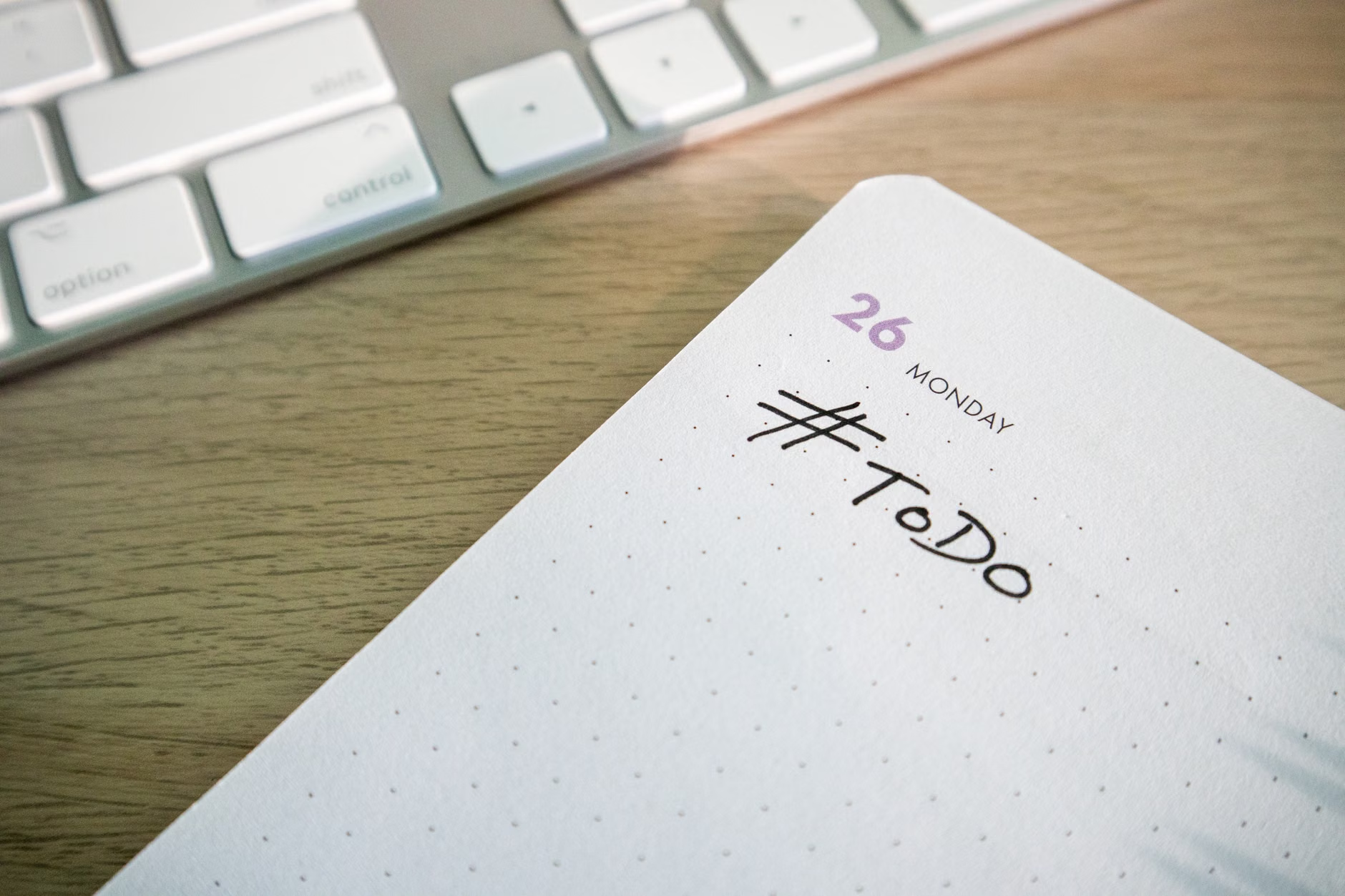
A long to-do list can make a day feel organized right up until nothing important gets finished. That is the problem time blocking solves. Instead of keeping tasks in a pile and hoping they fit, time blocking gives each task a place on the calendar. The goal is not to control every minute. It is to decide, in advance, what deserves your attention and when you are most likely to do it well.
For beginners, the easiest way to start is to build a day around a few priorities, a few fixed commitments, and a little breathing room. A good time-blocked plan should feel usable, not strict for the sake of being strict. If the schedule is too packed, it will collapse by noon. If it is too vague, it will act like another to-do list.
Use time blocks to assign real work, not vague intentions
At its simplest, time blocking means reserving chunks of time for specific types of work. That could be “write project outline,” “return client calls,” “weekly planning,” or “school pickup and errands.” The block should answer one practical question: What am I doing during this time?
This is where many beginners go wrong. They block labels such as “be productive” or “work on stuff.” Those blocks look tidy on a calendar, but they do not reduce decision-making. Clear blocks do. A useful block usually includes an action and a boundary. “Draft the first two sections” is clearer than “work on report.” “Process inbox until zero” is often less realistic than “process inbox for 25 minutes and reply to urgent messages.”
It also helps to treat your calendar as a plan for attention, not a statement of personal virtue. A day with deep-focus blocks, admin time, meals, meetings, and breaks is not lazy. It is honest. Time blocking works better when the schedule reflects the real shape of the day instead of an idealized version of it.
Build your first daily plan in a few simple passes
A beginner does not need a complicated system. Build the day in layers, moving from fixed items to flexible work. That keeps the plan grounded in reality.
- Start with fixed commitments. Put meetings, appointments, commute time, meals, school runs, or anything else that already has a nonnegotiable place in the day onto the calendar first.
- Pick one to three priority outcomes. These are the tasks that would make the day feel meaningfully used if they were finished or moved forward. Beginners often do better with fewer priorities than they think.
- Estimate how long each task really needs. If you usually underestimate, round up. A task that feels like “about 30 minutes” often becomes 45 once setup, switching, and follow-up are included.
- Place focused work before smaller tasks whenever possible. If a priority task needs concentration, block it before email, chat, and low-value admin work scatter your attention.
- Add buffer space. Leave open time between blocks or near the end of the day so delays do not break the whole schedule. Then add a short shutdown block to review what was completed and what needs to move.

A useful beginner rule is to avoid scheduling 100 percent of the day. If every block assumes perfect timing, even a small interruption can derail the plan.
One more point matters: do not confuse urgency with placement. Email, messages, and minor requests will try to claim the best hours of the day unless those hours are protected first. Time blocking is partly a planning tool and partly a boundary-setting tool.
A realistic beginner example looks better than a perfect one
Suppose a beginner has two meaningful goals for a hypothetical workday: finish a presentation draft and handle routine admin without letting it take over. A workable plan might look like this:
- 8:30 to 9:00 a.m.: review the day and clear only urgent messages
- 9:00 to 10:30 a.m.: draft presentation slides
- 10:30 to 10:45 a.m.: short break and buffer
- 10:45 to 11:30 a.m.: revise slides and note open questions
- 11:30 a.m. to 12:00 p.m.: email and follow-up
- 1:00 to 2:00 p.m.: meeting or collaborative work
- 2:00 to 2:45 p.m.: admin tasks, forms, scheduling, expenses
- 3:00 to 4:00 p.m.: finish remaining presentation edits or move to the next priority
- 4:00 to 4:15 p.m.: plan tomorrow and reschedule unfinished items
Notice what this schedule does not do. It does not assign every minute. It does not assume six uninterrupted hours of deep work. It gives the most demanding task an early slot, contains admin work instead of letting it sprawl, and leaves enough flexibility for the day to shift. That is a stronger beginner plan than a color-coded calendar packed wall to wall with ambition.
The schedule should change when the day changes
Time blocking is often misunderstood as a rigid system for people with perfectly predictable days. In practice, it is most helpful when it stays adjustable. If the morning runs long, the answer is not to abandon the calendar. It is to re-block the remaining day on purpose instead of drifting into reactive mode.
That matters even more for beginners with jobs or households that involve interruptions. A person in a highly reactive role may need broader blocks such as “client response,” “project work,” and “admin,” rather than a minute-by-minute schedule. Someone caring for children may block around recurring windows of availability instead of trying to force an office-style calendar onto a day that does not work that way. The principle stays the same: decide in advance what kind of work belongs in each window.

The best way to improve is to review patterns for a few days. Which tasks consistently took longer than expected? Which blocks were interrupted? Which time of day supported focused work best? That quick review turns time blocking from a rigid template into a practical feedback loop.
- Keep tomorrow’s first priority visible and specific.
- Reduce the number of priorities before adding more hours.
- Move unfinished tasks to a new block instead of carrying them mentally.
- Protect at least one block a day from small reactive work if possible.
For beginners, the real win is not creating a flawless calendar. It is learning to match time, energy, and attention more deliberately. Start with a simple day, block less than you think you can handle, and adjust after the day gives you real evidence. That is how time blocking becomes useful instead of performative.
References
- University of California, Irvine – Gloria Mark research overview on attention and interruptions – https://ics.uci.edu/~gmark/
- American Psychological Association – Multitasking: Switching costs – https://www.apa.org/topics/research/multitasking
- Cal Newport – Time-Block Planner method overview – https://www.timeblockplanner.com/