


Most people who want less screen time start with the wrong target. They try to become stricter, more disciplined, or less “addicted” to the phone. Then the same cycle repeats: a few days of effort, a stressful afternoon, and the old habits return. The problem usually is not a lack of character. It is that modern devices are built to be available, frictionless, and interruptive by default.
Digital minimalism offers a better goal. It is not anti-technology, and it does not require deleting every enjoyable app. It is a way of deciding which digital tools genuinely support work, relationships, rest, and learning, then putting boundaries around everything else. The aim is not simply fewer minutes on a screen. It is more control over attention, better use of time, and enough mental quiet to focus on one thing at a time.
TL;DR
- Treat screen time as a clue, not the whole problem. Fragmented attention matters as much as total hours.
- Audit each app by its real value, its trigger, and the cost it imposes on your focus.
- Use built-in tools such as Screen Time, Digital Wellbeing, and Focus modes to add friction, not just to gather data.
- Replace reflexive scrolling with specific alternatives or the habit will quickly return in another form.
- A workable minimalist setup protects sleep, deep work, and relationships without making life feel austere.
The deeper problem is fractured attention, not just total screen hours
A person can spend much of the day on screens and still use technology deliberately. Writing, reading a long article, attending a video meeting, editing photos, or talking to family are not the same behavior as checking six apps every few minutes. Research on task switching has long found that moving between tasks carries a cost, and studies on phone notifications suggest that even alerts that are not fully answered can disrupt attention. That is why a day can feel mentally scattered even when the total screen-time number does not look extreme.
This matters because many people attack the wrong metric. They try to reduce screen hours in bulk, when the real issue is that their attention is being repeatedly pulled away from whatever matters. A long uninterrupted work session on a laptop may be less damaging to focus than a short burst of constant phone checking. In some cases, rapid digital switching is not even satisfying. Newer research suggests that jumping from video to video can leave people feeling more bored rather than less. So the first question is not, “How many hours am I online?” It is, “What is my technology doing to the quality of my attention?”
Use a Focus Cost Audit before you start deleting apps
A practical way to make digital minimalism usable is to audit every major app, device behavior, and recurring online activity. Call it a Focus Cost Audit. The idea is simple: instead of asking whether an app is good or bad, ask whether its benefits are worth the attention it extracts. This keeps the process grounded in daily life rather than ideology.
- Job: What useful role does this tool actually play in your life? Be concrete. “Keeps me informed” is vague; “lets me message my clients” is specific.
- Trigger: What usually starts the session? A real need, a notification, boredom, anxiety, procrastination, or habit during transitions?
- Cost: What does it interrupt or displace? Deep work, sleep, conversation, reading, exercise, or simply the ability to sit still for a minute?
- Container: What boundary would preserve the benefit while reducing the cost? Examples include browser-only access, no notifications, desktop-only use, a scheduled check window, or deleting the app between trips.
The audit usually leads to three decisions. Keep tools that are clearly valuable and not especially disruptive. Contain tools that are useful but habit-forming. Cut tools that have no meaningful role beyond occupying spare attention. This is where digital minimalism becomes realistic. Most people do not need a purer life. They need fewer unexamined defaults.
| Digital activity | Best decision | Boundary that often works | Sign the boundary is failing |
|---|---|---|---|
| Direct messages from family, close friends, or essential coworkers | Keep | Whitelist only the people who truly need to reach you quickly | You still grab the phone after every non-urgent ping |
| Email and work chat | Contain | Check at planned intervals instead of leaving inboxes open all day | You cannot finish 30 to 60 minutes of work without glancing away |
| News feeds and social platforms | Contain or cut | Use browser access, remove mobile apps, or set one short daily window | You open them automatically with no clear reason |
| Streaming video | Keep with limits | Choose what to watch before opening the app and avoid endless browsing | You spend more time searching than watching |
| Short-form video, casual games, and other boredom-fillers | Contain aggressively or remove | No home-screen icon, no notifications, no use in bed or during work breaks | They become your default response to discomfort or delay |
| Utility tools such as maps, banking, transit, and calendar | Keep | Leave available but quiet | Rarely the issue unless bundled with distracting content |
Spend one week measuring what actually pulls you off task
Before changing everything, take a seven-day baseline. The purpose is not self-judgment. It is pattern detection. Phones and computers now offer usage dashboards for a reason: memory is a poor historian. Most people remember the dramatic distractions and miss the tiny, repeated checks that break concentration all day.
- Turn on usage reporting across your main devices. Note total screen time, pickups, top apps, and notification counts.
- At the end of each day, record the three moments when you checked a device without a clear intention.
- Mark the context: hard task, boredom, awkward pause, fatigue, waiting, bedtime, or stress.
- Notice which apps are gateways. Many people do not intend to spend time on a feed; they arrive there after opening a different app first.
- Identify one daily period when focus matters most, such as the first hour of work or the evening before bed.
- At the end of the week, label each recurring activity keep, contain, or cut.
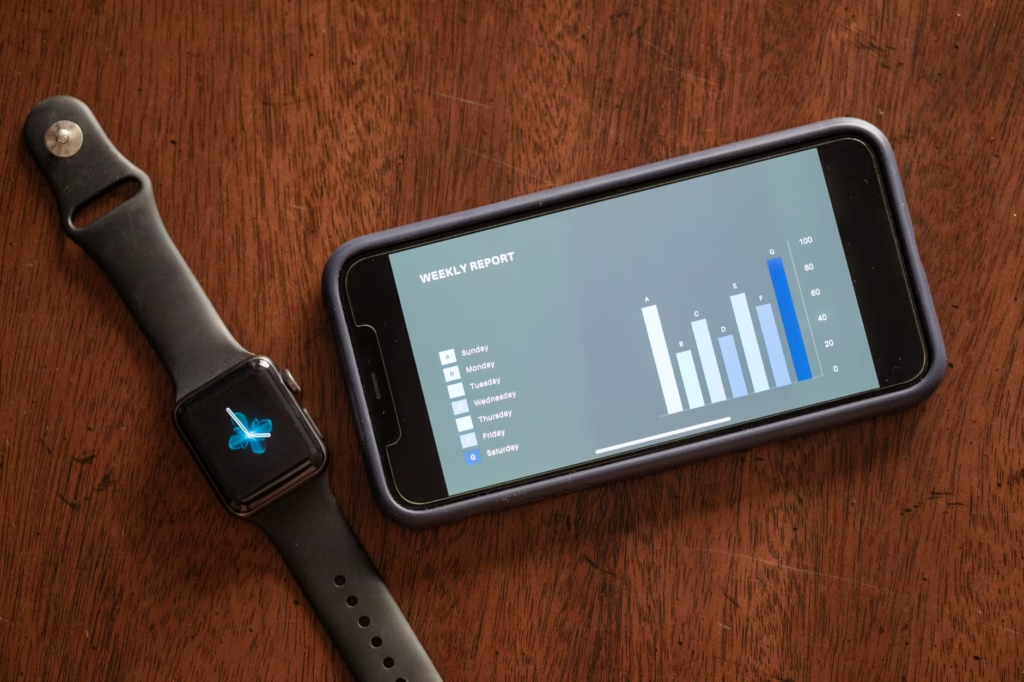
A hypothetical example makes this clearer. Imagine someone whose total screen time looks ordinary, but whose phone gets checked every time a spreadsheet becomes difficult, a message thread pauses, or a line at the coffee shop moves slowly. The issue is not a dramatic binge. It is dozens of tiny escapes. Once those triggers are visible, the solution becomes less emotional and more mechanical: remove cues, add friction, and create a better option for those transition moments.
Redesign your devices so distraction takes effort
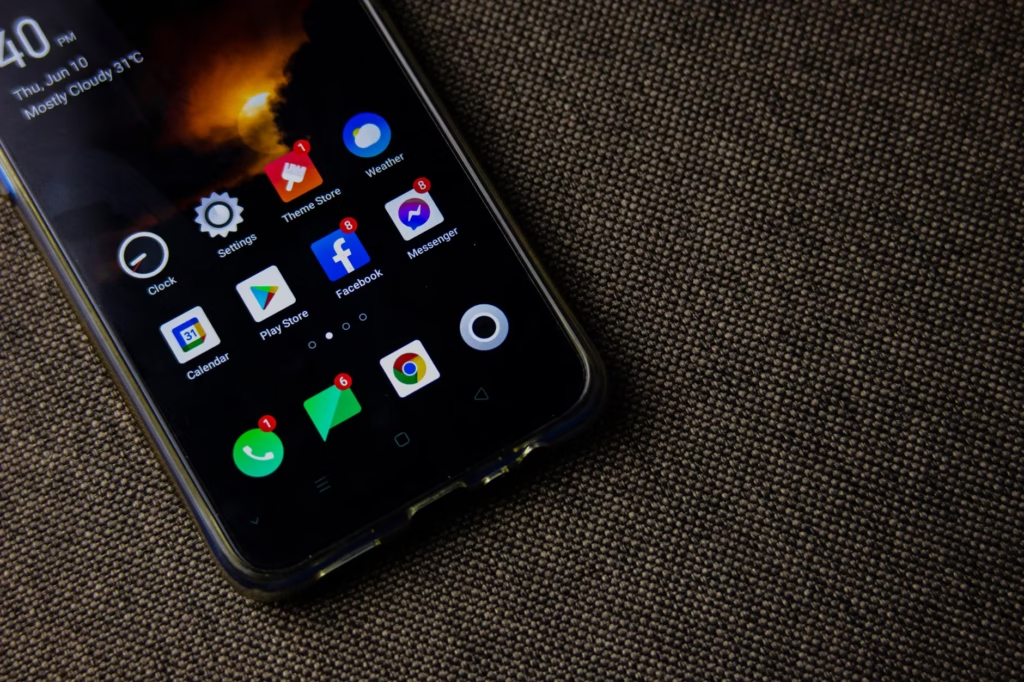
Most digital overuse is not a single bad choice. It is the result of a low-friction environment. If the phone lights up, the watch vibrates, badges multiply, and a feed is one tap away, attention gets pulled before intention has a chance to show up. That is why the strongest changes are environmental. Use built-in tools such as Screen Time, Android Digital Wellbeing, and computer focus modes to reduce availability, especially during work and before bed.
- Turn off non-human notifications first. Promotions, breaking-news alerts, recommended content, and most badges rarely deserve immediate attention.
- Remove distracting apps from the home screen. Better yet, place them in search-only folders or uninstall the mobile version.
- Use scheduled focus modes for recurring situations: first work block, dinner, commute, or bedtime.
- Keep work communication on the work device if possible. Crossing work chat onto the personal phone extends mental availability all day.
- Charge the phone outside the bedroom if late-night checking is a pattern.
- Consider a boring default screen: calendar, notes, maps, camera, and nothing designed to pull you into a feed.
Warning
If other people genuinely need to reach you quickly, do not rely on guesswork. Create a small emergency whitelist instead of leaving every notification on.
Replace reflexive scrolling or the habit will simply come back
A common mistake is trying to remove digital habits without replacing the function they served. Some screen use fills boredom. Some reduces social awkwardness. Some helps a tired brain avoid hard work for a minute. If those needs remain, the hand will look for a substitute, usually on the same device. Digital minimalism works better when it includes replacement behaviors that are easy, nearby, and modestly satisfying.
- For waiting: keep a saved reading list, paperback, crossword, or notes app with one meaningful article queued up.
- For transition moments at work: stand up, refill water, stretch, or write the next action on paper instead of checking the phone.
- For stress: use a short walk, breathing exercise, or music playlist that does not require browsing.
- For social connection: replace passive feeds with one direct message or call to someone you actually want to talk to.
- For evening decompression: pick a deliberate leisure activity before you sit down, rather than opening an app to see what grabs you.
The evening deserves special attention. Many people think of nighttime phone use as harmless leisure, but it often combines several attention problems at once: fatigue, low inhibition, algorithmic content, and delayed sleep. Sleep guidance from federal health sources already recommends using the hour before bed for quieter activity and reducing bright artificial light. In practical terms, that means giving yourself a shutdown ritual that does not depend on “just one more scroll.”

Build focus windows that can survive real work
Reducing screen time is only half the job. The other half is rebuilding the skill of staying with one task long enough to produce something useful. That does not require heroic four-hour deep-work sessions. It requires regular, protected windows in which the next distraction is not already in your peripheral vision.
- Choose one priority task before the block starts. Do not begin by opening your inbox.
- Set a realistic duration, such as 25, 45, or 60 minutes, based on the kind of work and your current stamina.
- Put the phone out of reach or out of the room. Face-down on the desk is often not enough.
- Keep one capture tool nearby for stray thoughts, errands, or ideas so they do not become reasons to switch tasks.
- When the block ends, check communication on purpose instead of drifting there mid-task.
- Stop at a natural break point when possible so re-entry is easier next time.

This is where many people regain focus fastest. Not because they suddenly love concentration, but because they remove the repeated micro-decisions that used to break it. A protected morning writing block, a phone-free dinner, and a calm last hour before bed may look ordinary. In practice, those routines often do more than an ambitious weekend digital detox that leaves weekday defaults unchanged.
Why digital minimalism fails for otherwise disciplined people
- They cut everything at once. Extreme resets can help briefly, but many people never build a sustainable everyday system afterward.
- They measure only hours. A lower number can still hide constant interruption, bedtime scrolling, or an inability to do focused work.
- They keep the triggers. App badges, autoplay, lock-screen alerts, and home-screen shortcuts can undo good intentions in seconds.
- They confuse access with necessity. Just because a platform is useful sometimes does not mean it belongs on the phone all day.
- They expect instant comfort. Early boredom is normal when attention is no longer continuously stimulated.
- They ignore the non-digital problem. If the phone is masking exhaustion, loneliness, burnout, or an overloaded schedule, boundaries alone may not solve it.
There are also real limits to minimalist advice. Some jobs require fast response times. Some people rely on digital communities for support, accessibility, or connection. Parents may need a different setup than solo workers. And if attention problems remain severe even when devices are controlled, or if compulsive use is affecting sleep, school, work, or relationships, it may be worth discussing the pattern with a qualified mental health professional or clinician. Technology habits can be part of the problem without being the whole story.
A minimalist setup should fit your life, not someone else’s ideal
The best digital system is the one that makes important behavior easier. If a tool helps you do meaningful work, stay in touch with people you care about, or manage life with less stress, keep it. But keep it in a container. Review your setup every few weeks and look for concrete signals: Are you finishing focused work more easily? Is bedtime calmer? Are you reaching for the phone less during conversation? Are weekends feeling fuller, or just emptier? Those observations matter more than copying somebody else’s aesthetic version of simplicity.
Digital minimalism is not really about having fewer apps. It is about recovering the ability to choose what gets your attention. Start small: audit the highest-cost app, silence the least useful notifications, protect one focus block, and move the phone out of the bedroom. That is enough to begin changing the day from something your devices keep interrupting into something you are actually directing.
FAQ
Is digital minimalism the same as quitting social media?
No. For some people, deleting social apps is the cleanest solution. For others, a tighter container works better, such as browser-only access, no notifications, or one scheduled check period. The goal is intentional use, not a universal ban.
How much screen time is too much for adults?
There is no single number that cleanly separates healthy from unhealthy adult use in every situation. A more useful test is functional: Is screen use harming sleep, work quality, mood, relationships, or the ability to focus on demand?
Should I use app limits or just delete the app?
Use app limits when the tool has real value but poor boundaries. Delete or remove the mobile version when the app has little value and repeatedly bypasses your limits. If you keep overriding the timer, the issue is probably not the number of minutes but the fact that the app should not be so available.
Can digital minimalism work if my job depends on email and chat?
Usually, yes. The answer is not to disappear. It is to separate urgent from routine communication, create response windows, use priority contacts, and keep work messaging from spilling into every idle moment on your personal phone.
How long does it take to feel more focused?
Some benefits can show up quickly, especially when notifications are reduced and bedtime phone use drops. Rebuilding concentration usually takes longer because attention stamina improves with repeated practice. Expect an adjustment period, including some boredom, before the calmer setup starts to feel normal.
References
- American Psychological Association – Multitasking: Switching costs – https://www.apa.org/topics/research/multitasking?library=true
- PubMed – The attentional cost of receiving a cell phone notification – https://pubmed.ncbi.nlm.nih.gov/26121498/
- PubMed – The hidden cost of a smartphone: The effects of smartphone notifications on cognitive control from a behavioral – https://pubmed.ncbi.nlm.nih.gov/36395335/
- PubMed – Fast-forward to boredom: How switching behavior on digital media makes people more bored – https://pubmed.ncbi.nlm.nih.gov/39158465/
- National Heart, Lung, and Blood Institute – Healthy Sleep Habits – https://www.nhlbi.nih.gov/health/sleep-deprivation/healthy-sleep-habits
- Apple Support – Get started with Screen Time on iPhone – https://support.apple.com/en-ae/guide/iphone/iphbfa595995/ios
- Android Help – Manage how you spend time on your Android phone with Digital Wellbeing – https://support.google.com/android/answer/9346420?hl=en-en
- Microsoft Support – Focus: Stay on Task Without Distractions in Windows – https://support.microsoft.com/en-us/windows/focus-stay-on-task-without-distractions-in-windows-cbcc9ddb-8164-43fa-8919-b9a2af072382